Ranked · Apps
Best sticky note widget apps in 2026
Notes you have to go looking for are notes you forget. These ten sticky note and widget apps keep reminders on your home screen, where you will actually see them.
 Bitezine Editorial TeamRankings, reviews & guides 8 min read
 AI generated
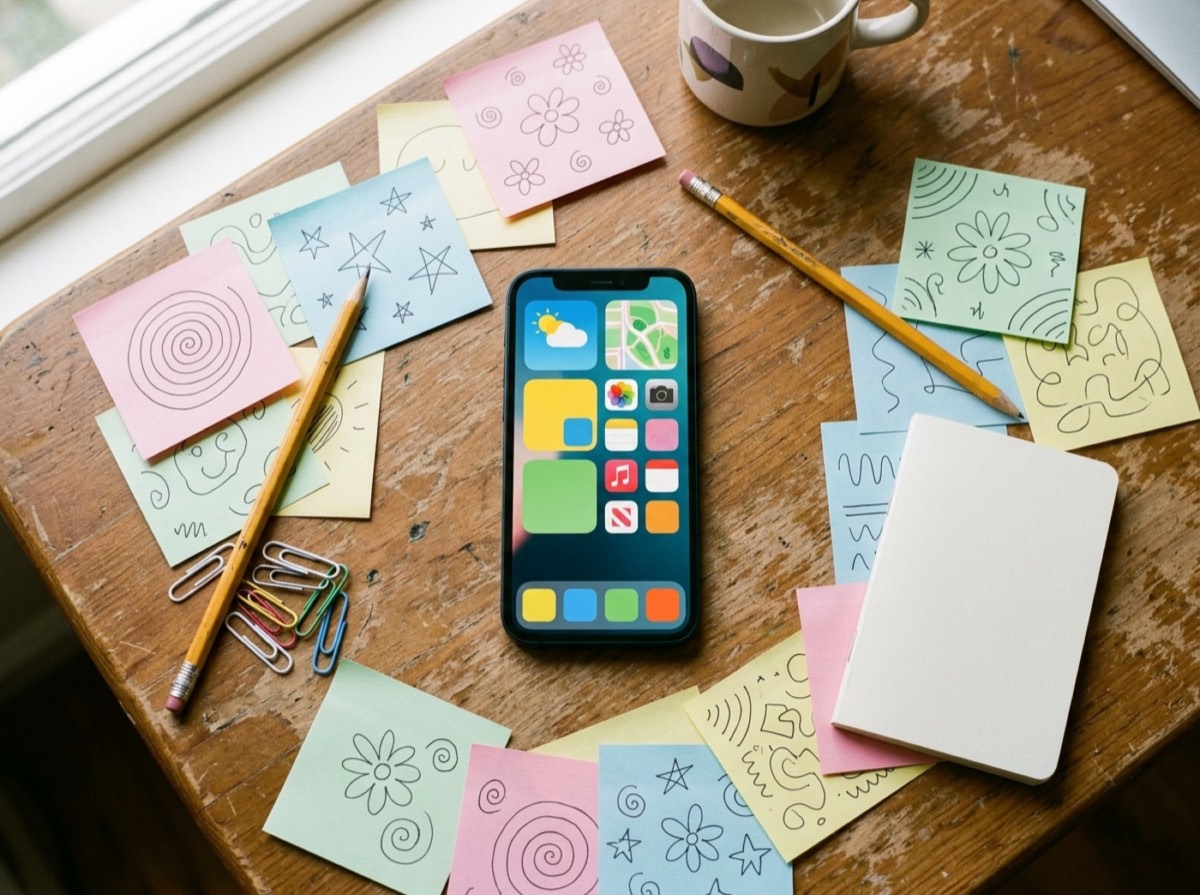
The best sticky note widget apps keep your notes on your home screen, where you see them every time you pick up your phone. A paper sticky note works because it is in the way. Sticky notes apps bring that idea to phones and computers, placing short notes on the home screen, lock screen or desktop so they are visible without opening anything.
We tested each sticky notes app on how quickly you can write or edit a note, how clearly the home screen notes widget shows it, and how much control you get over colour and layout. We also considered sync across devices, shared sticky notes for family and couples, offline use, and whether the core features are free on iPhone and Android. The list mixes dedicated widget apps with full note apps that offer good widgets.
At a glance

#1 · Best for Quick, visible notes shared at home
Listub Magnet Notes
Fridge-magnet notes for your home screen
Magnet Notes turns quick notes into handwritten-style cards on a board that works like magnets on a fridge. Everything on the board is visible the moment you open it, and you can drag notes into place and group them with five colours. Notes can be written offline and sync across your devices, and a single tap removes one when it is done. As part of Listub, the same app also holds your shopping lists, tasks and shared calendar.
- Handwritten-style notes that stay in view
- Drag-and-drop layout with smooth animation
- Five colours for grouping notes
- Offline writing with sync across devices
- One-tap removal
- Platforms
- iOS, Android, macOS
- Pricing
- Freemium, Premium adds multi-device use and real-time sharing
#2 · Best for Android users and Google account holders
Google Keep
The best free all-rounder
Google Keep's colourful cards look and behave much like sticky notes, and its home-screen widgets put a note or your whole board in view. Notes sync to the web and other devices through your Google account, and you can share them with other people. It also handles checklists, images and voice notes.
- Home-screen widgets for single notes or lists
- Colour coding and labels
- Sharing with collaborators
- Checklists, images and voice notes
- Platforms
- Android, iOS, Web
- Pricing
- Free
#3 · Best for iPhone users who want a note always in view
Sticky Widgets
The simplest widget notes on iPhone
Sticky Widgets is built for one job: putting a note on your iPhone home screen and letting you edit it fast. You can place several notes in different sizes and styles. Pinning notes to the lock screen and some customisation options require the premium upgrade.
- Editable sticky notes as home-screen widgets
- Multiple widget sizes and colours
- Lock screen notes with premium
- Very quick to set up
- Platforms
- iOS, iPadOS
- Pricing
- Freemium

#4 · Best for Android users who like simple notes
ColorNote
Classic Android sticky notes
ColorNote has been a staple on Android for years, with plain text notes and checklists sorted by colour. Its sticky note widget puts a chosen note on the home screen, and reminders can be attached to notes. Online backup and password lock add useful peace of mind.
- Sticky note widgets on the home screen
- Text notes and checklists
- Colour organisation and reminders
- Password lock and online backup
- Platforms
- Android
- Pricing
- Free
#5 · Best for People who only use Apple devices
Apple Notes
Built-in and good enough for many
Apple Notes comes with every iPhone, iPad and Mac, and its widget can show a single note or a folder on the home screen. Notes sync through iCloud and can be shared with other people for joint editing. It is not styled like a sticky note, but it is free and always there.
- Home-screen widget for a note or folder
- iCloud sync across Apple devices
- Shared notes with collaborators
- Handwriting with Apple Pencil on iPad
- Platforms
- iOS, iPadOS, macOS, Web (iCloud)
- Pricing
- Free
#6 · Best for Windows users
Microsoft Sticky Notes
The desktop classic on Windows
Microsoft Sticky Notes puts coloured notes straight onto the Windows desktop. Notes sync through a Microsoft account and can be read and edited in the OneNote mobile apps and on the web. It is best for people whose reminders belong on a PC rather than a phone home screen.
- Coloured notes on the Windows desktop
- Sync with a Microsoft account
- Access from OneNote on phones and the web
- Basic text formatting and images
- Platforms
- Windows, iOS and Android (via OneNote), Web
- Pricing
- Free
#7 · Best for Couples and close friends
Widgetable
Playful shared notes for friends
Widgetable is a social widget app that lets you place a short note on a friend's or partner's home or lock screen. Beyond notes, it offers mood widgets, shared virtual pets and other small interactive features. It is more about staying in touch than organising reminders.
- Shared note widgets for friends and partners
- Lock screen and home-screen widgets
- Mood and photo widgets
- Virtual pets you care for together
- Platforms
- iOS, Android
- Pricing
- Freemium

#8 · Best for Samsung Galaxy owners
Samsung Notes
Best on Galaxy phones and tablets
Samsung Notes comes preinstalled on Galaxy devices and can pin a note to the home screen as a widget. It shines with handwriting, especially with an S Pen, and it can sync notes to a Samsung account and some Windows PCs. It is not available on non-Samsung Android phones or iPhone.
- Home-screen note widgets
- Handwriting and drawing with S Pen
- Sync through a Samsung account
- PDF annotation and voice recording
- Platforms
- Android (Samsung Galaxy), Windows
- Pricing
- Free
#9 · Best for Desktop power users
Notezilla
Power-user sticky notes for desktop
Notezilla is a feature-rich sticky note app for people who live at a computer. Notes can be attached to specific windows, documents or websites, carry reminders and sync to its mobile apps. It costs money after a trial, which makes sense mainly for heavy desktop users.
- Stick notes to windows, documents and websites
- Reminders and alarms
- Note boards and tags
- Sync with phone apps
- Platforms
- Windows, macOS, iOS, Android
- Pricing
- Free trial, then paid
#10 · Best for Users who want a styled home screen
WidgetClub
Stylish memo widgets for aesthetics
WidgetClub is a home-screen customisation app, and its memo widget lets you place notes in several sizes as part of a themed layout. You can add more than one memo, much like sticking notes around a board. It suits people who care as much about how the screen looks as what it says.
- Memo widgets in three sizes
- Multiple notes on one home screen
- Themes, icons and matching widgets
- Large library of design templates
- Platforms
- iOS, Android
- Pricing
- Freemium
How to choose
Think about where you want the note to appear. Some apps focus on a sticky notes widget for iPhone or Android home screens, some on lock screen notes and some on a Windows or Mac desktop. If you move between a phone and a computer, pick a sticky notes app that syncs across devices, or your reminder will only be half as useful.
Then consider who else should see it. A note for yourself needs only a quick editor and a readable widget. A shared sticky note for a partner or family, such as a reminder or a quick message, needs sharing that updates on their screen too. Finally, keep it light: the best free sticky notes app is the one that takes seconds to change.
Frequently asked questions
What is the best free sticky note widget app?
+
Google Keep and ColorNote are free and offer home screen note widgets on Android, and Apple Notes is free with a home screen widget on iPhone. Listub Magnet Notes includes its board, colours, drag layout and offline use on the free plan. Sticky Widgets is free to start, with extras such as lock screen notes in its premium upgrade.
How do I put a sticky note on my iPhone home screen?
+
Touch and hold an empty area of the home screen, tap Edit, then Add Widget, and pick a notes app such as Sticky Widgets, Apple Notes or Google Keep. Choose a widget size, place it, and then pick which note it should show. Sticky Widgets lets you edit the note text quickly from its widget setup.
How do I add a sticky note widget on Android?
+
Touch and hold an empty area of the home screen, tap Widgets, and choose a note app such as Google Keep, ColorNote or Samsung Notes. Drag the widget onto the screen and select the note you want it to display. On Samsung Galaxy phones, Samsung Notes can pin a single note this way.
Can I share sticky notes with my partner or family?
+
Yes. Widgetable lets you put a short note on a friend's or partner's home or lock screen, and Google Keep and Apple Notes can share notes with other people. Listub Magnet Notes lets you create and share notes, with real-time sharing available on its Premium plan.
Which sticky notes app works on both iPhone and Android?
+
Listub, Google Keep, Widgetable, WidgetClub and Notezilla all have apps for both iPhone and Android. Microsoft Sticky Notes is reachable on both through the OneNote app. Sticky Widgets and Apple Notes are Apple-only, while ColorNote and Samsung Notes are Android-only.
Is there a sticky notes app without ads or a subscription?
+
Apple Notes, Microsoft Sticky Notes and Samsung Notes are free, built by the platform makers and do not show ads. Google Keep is also free with no ads or subscription.
What is a good alternative to Google Keep for sticky notes?
+
Listub Magnet Notes is a good alternative if you want handwritten-style notes on a colourful board alongside shared lists and tasks. ColorNote is a lightweight Android option with sticky note widgets and reminders, and Sticky Widgets is a simpler choice on iPhone.
Can I sync Windows sticky notes to my phone?
+
Yes. Microsoft Sticky Notes syncs through your Microsoft account and your notes appear in the OneNote app on iPhone and Android. Notezilla also offers sync between its Windows desktop app and its phone apps.
For sticky notes that behave like magnets on a fridge and live next to your shared lists and tasks, Listub Magnet Notes is our top pick. Google Keep and ColorNote are dependable free sticky note widgets for Android, Sticky Widgets is the simplest home screen notes widget for iPhone, Widgetable suits couples who want shared notes, and Microsoft Sticky Notes or Notezilla make more sense if your notes belong on a computer desktop.
How we research: We compare each product on the same criteria, using makers’ documentation, independent reviews and owner feedback, and re-check the list when products change.
Written by
Bitezine Editorial Team
Rankings, reviews & guides
Our editors research every piece from makers’ documentation, independent tests and owner reports, and update it when products change.