Ranked · Apps
Best All-in-One Organizer Apps in 2026
Ten all-in-one organizer apps that put shared lists, calendars, notes, meal plans and documents in one place for you, your partner or the whole family.
 Bitezine Editorial TeamRankings, reviews & guides 10 min read
 AI generated
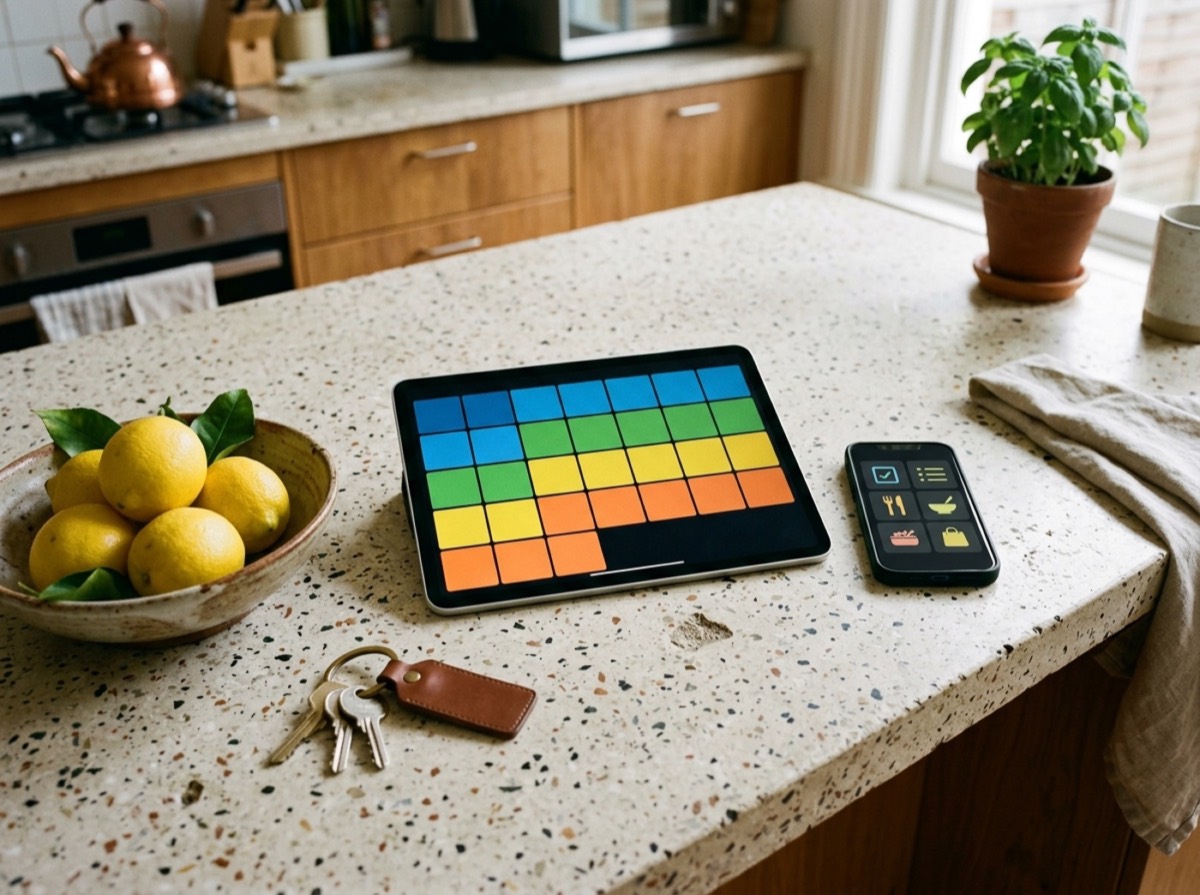
An all-in-one organizer app replaces the pile of single-purpose tools most households end up with: one app for the grocery list, another for the shared family calendar, a notes app, a folder of scanned documents and a spreadsheet of subscriptions. Putting all of that in one place means fewer logins, one set of reminders, and a single spot where everyone in the house can see what is going on. The right life organizer app also makes sharing simple, so a partner or roommate can tick off the shopping list while you are still at work.
To build this list we looked at apps that are actively maintained in 2026 and that cover at least several of the core jobs: to-do lists, shopping lists, a calendar, notes, meal planning and document storage. We checked each app's official site for platforms, free and paid options and headline features, and left out services that have closed or announced a shutdown. The ranking favours breadth for personal and family life, real-time sharing, and how easy it is to get the whole household using it.

#1 · Best for Households that want one app for everything
Listub
The most complete everyday organizer
Listub brings 15 modules into one app, from a shared shopping list, task manager and meal planner to a document station, travel hub, subscription tracker and health cabinet. You organise them into rooms and invite family, partners or roommates, with changes syncing in real time. A calendar gathers every dated item from all rooms in month, week and day views, and the Galveo AI assistant turns what you type or say into items in the right module.
- 15 modules plus Screen Box and Book Shelf trackers
- Unified calendar across all rooms
- Galveo AI assistant for typed or spoken requests
- Real-time sharing in rooms with family and friends
- Offline editing with automatic sync
- Platforms
- iOS, Android, macOS
- Pricing
- Free plan; Premium and Family subscriptions
- Made by
- Galveo GmbH, Cologne, Germany

#2 · Best for Families centred on a shared calendar
Cozi
Classic shared family calendar
Cozi is one of the best-known family organizer apps, built around a colour-coded shared calendar that shows each person's activities. Shopping lists, to-do lists, recipes and meal planning sit alongside it, and agenda emails keep everyone informed. The free version covers the essentials, and Cozi Gold adds extra features.
- Colour-coded shared family calendar
- Shared shopping and to-do lists
- Recipe box and meal planning
- Reminders and agenda emails
- Platforms
- iOS, Android, web
- Pricing
- Free; Cozi Gold subscription
- Made by
- In Tandem (owner of Cozi and FamilyWall)

#3 · Best for Families who also want chat and location
FamilyWall
Family hub with messaging and location
FamilyWall combines a shared calendar that syncs with Google Calendar, shopping lists and to-dos with features other organizers skip, such as family messaging, photo sharing and location sharing with safe-zone alerts. You can create several groups for different circles. The meal planner and budget tracker are part of the premium plan.
- Shared calendar with Google Calendar sync
- Shopping lists and to-dos
- Family chat, photos and videos
- Location sharing with safe-zone alerts
- Platforms
- iOS, Android, web
- Pricing
- Free; Premium subscription
- Made by
- In Tandem
#4 · Best for Tinkerers who like custom setups
Notion
Build-your-own life dashboard
Notion is a connected workspace for notes, documents and tasks that many people use as a personal life organizer. Templates help you set up habit trackers, meal plans or home inventories, and pages can be shared for real-time collaboration. It is very flexible, but you have to design the system yourself, and Notion Calendar and Notion AI are available alongside it.
- Notes, docs, databases and task boards
- Large template library
- Real-time collaboration and comments
- Notion AI and Notion Calendar
- Platforms
- Web, iOS, Android, macOS, Windows
- Pricing
- Free for personal use; paid plans for more
- Made by
- Notion Labs, San Francisco, USA

#5 · Best for Task-driven couples and families
Any.do
Tasks, calendar and groceries together
Any.do combines tasks, lists, a calendar and a daily planner in one app, with time-based, recurring and location-based reminders. Its shared grocery list sorts items by aisle, and a family board helps coordinate household projects. It also offers an AI assistant and a WhatsApp integration for adding tasks and getting reminders.
- Tasks and calendar in one view
- Shared grocery list sorted by aisle
- Family board for household projects
- AI assistant and WhatsApp reminders
- Platforms
- iOS, Android, web, macOS, Windows, watches
- Pricing
- Free; Premium and Family plans
- Made by
- Any.do, Tel Aviv, Israel
#6 · Best for Groups that mainly share schedules
TimeTree
Simple shared calendar for any group
TimeTree focuses on one job and does it well: sharing schedules with family, partners, clubs or school groups. You can run several shared calendars and view them together or one at a time. The free version is ad-supported, and Premium removes ads and adds file attachments and extra views.
- Multiple shared calendars
- Combined or filtered calendar views
- Event comments and memos
- File attachments with Premium
- Platforms
- iOS, Android, web
- Pricing
- Free with ads; Premium subscription
- Made by
- TimeTree, Inc., Japan

#7 · Best for Families with young kids at home
Skylight
Family calendar on a touchscreen
Skylight Calendar is a touchscreen display for the kitchen or hallway that shows every family calendar in one place, paired with a mobile app. It syncs schedules automatically and adds chore charts, and the Plus plan unlocks more features such as meal planning. It needs power and Wi-Fi, so it works best as a shared home hub rather than a pocket organizer.
- Wall or countertop touchscreen display
- Auto-synced family calendars
- Interactive chore charts
- Companion app for iOS and Android
- Platforms
- Skylight display, iOS, Android
- Pricing
- Device purchase; optional Plus plan
- Made by
- Skylight, San Francisco, USA

#8 · Best for Households that plan meals weekly
AnyList
Best for groceries and meal plans
AnyList covers the food side of household organisation very well. Grocery lists are sorted by category and shared in real time, recipes can be imported from websites, and a meal planning calendar sends ingredients straight to your shopping list. AnyList Complete adds desktop apps, web recipe import and list folders.
- Shared grocery lists with auto-categories
- Recipe collection and web import
- Meal planning calendar
- Siri support for adding items
- Platforms
- iOS, Android, macOS, web
- Pricing
- Free; AnyList Complete subscription

#9 · Best for Keeping notes and paperwork searchable
Evernote
Notes and documents with tasks
Evernote remains a solid place to keep notes, scanned documents, web clippings and to-dos in one searchable archive. Tasks and calendar linking let you connect events to notes, and AI tools help with transcription and rewriting. It suits people whose organising is mostly about information rather than shared household lists.
- Notebooks, spaces and templates
- Document scanning and web clipper
- Tasks and calendar linking
- AI transcription and writing tools
- Platforms
- Web, iOS, Android, macOS, Windows
- Pricing
- Free; paid plans
- Made by
- Bending Spoons
#10 · Best for People who organise life as to-dos
Todoist
Polished task manager for life
Todoist is a task manager at heart, but its projects, shared lists and calendar layout make it a capable life organizer for chores, errands and personal goals. Smart Quick Add understands natural language dates, and the Pro plan adds calendar views, custom reminders and AI task assistance. It lacks built-in meal planning or document storage.
- Natural language Smart Quick Add
- Shared projects and task assignment
- List, board and calendar layouts
- Calendar and email integrations
- Platforms
- Web, iOS, Android, macOS, Windows, Linux
- Pricing
- Free; Pro and Business plans
- Made by
- Doist (Todoist Inc.)
How to choose
Start with what your household actually juggles. If the pain point is schedules, a shared family calendar with colour coding and per-person views matters most. If it is food, look for a meal planner that pushes ingredients straight to a grocery list. If paperwork keeps getting lost, you want a document vault with secure storage and sharing. The more of these jobs one app covers, the fewer places you have to check each day.
Then look at the practical details. Check that the app runs on every device your family uses, including desktop, and whether it works offline. Find out which features sit behind a subscription: sharing, extra devices and cloud storage are common paid extras. An AI assistant that turns a typed or spoken sentence into tasks, events or list items can save real time, and privacy matters too, so see where the company is based and how it handles your data.
Frequently asked questions
What is the best all-in-one organizer app in 2026?
+
Listub is our top pick because it combines 15 modules, including a shopping list, task manager, meal planner, document station and subscription tracker, with a unified calendar and the Galveo AI assistant in one app. Cozi and FamilyWall are strong alternatives if you mainly want a shared family calendar with lists.
Is there one app for lists, notes and a calendar?
+
Yes. Listub, Any.do, Evernote and Notion all combine lists, notes and calendar features to different degrees. Listub collects every dated item from its modules into one calendar automatically, while Notion and Evernote lean more towards notes and documents.
What is the best family organizer app?
+
For most families the key features are a shared family calendar, a shared grocery list and easy invites for every member. Cozi and FamilyWall are built around those needs, and Listub adds modules such as a meal planner, health cabinet and emergency contacts on top. Skylight is worth a look if you want a wall or countertop display as well.
Are there free all-in-one organizer apps?
+
Most apps on this list have a free tier, including Listub, Cozi, FamilyWall, TimeTree, Any.do, Notion, Evernote and Todoist. Free plans usually limit devices, storage, ads or advanced features. On Listub, for example, real-time sharing and cloud sync come with the paid plans.
Which organizer app has an AI assistant?
+
Listub includes Galveo AI, an AI assistant you can type or talk to in your own words; it picks the right module and creates or updates items for you. Any.do, Notion, Evernote and Todoist also offer AI features, mostly focused on tasks, writing and notes.
Can I use an organizer app offline?
+
Several can. Listub lets you browse and edit offline and syncs when you are back online, and apps such as Evernote and Todoist also support offline use. Calendar display devices like Skylight need a Wi-Fi connection to keep events up to date.
What is a good Cozi alternative?
+
If you like Cozi's shared calendar and lists but want more, Listub covers the same ground and adds documents, travel planning, subscriptions, debts and health tracking. FamilyWall adds location sharing and family messaging, and TimeTree is a simple option if a shared calendar is all you need.
Can I store important family documents in an organizer app?
+
Yes. Listub's Doc Station is built for storing, organising and sharing important documents, and Notion and Evernote can hold files and scanned documents alongside notes. Check how much cloud storage each plan includes before uploading large files.
The best all-in-one organizer app is the one your whole household will open every day. Listub covers the widest range of everyday life in one app, from grocery lists and meal plans to documents, subscriptions and health reminders, with an AI assistant and a calendar that pulls it all together. Cozi and FamilyWall are proven family organizers focused on the shared calendar, Notion suits people who like to build their own system, and Skylight or TimeTree fit families who mainly need to coordinate schedules. Try the free tier of two or three, invite your family, and keep the one that sticks.
How we research: We compare each product on the same criteria, using makers’ documentation, independent reviews and owner feedback, and re-check the list when products change.
Written by
Bitezine Editorial Team
Rankings, reviews & guides
Our editors research every piece from makers’ documentation, independent tests and owner reports, and update it when products change.