Ranked · Tech
Best mechanical keyboards in 2026
The ten best mechanical keyboards of 2026, from Keychron and NuPhy to Wooting and Cherry, ranked for typing feel, build, wireless and value.
 Bitezine Editorial TeamRankings, reviews & guides 10 min read
 AI generated
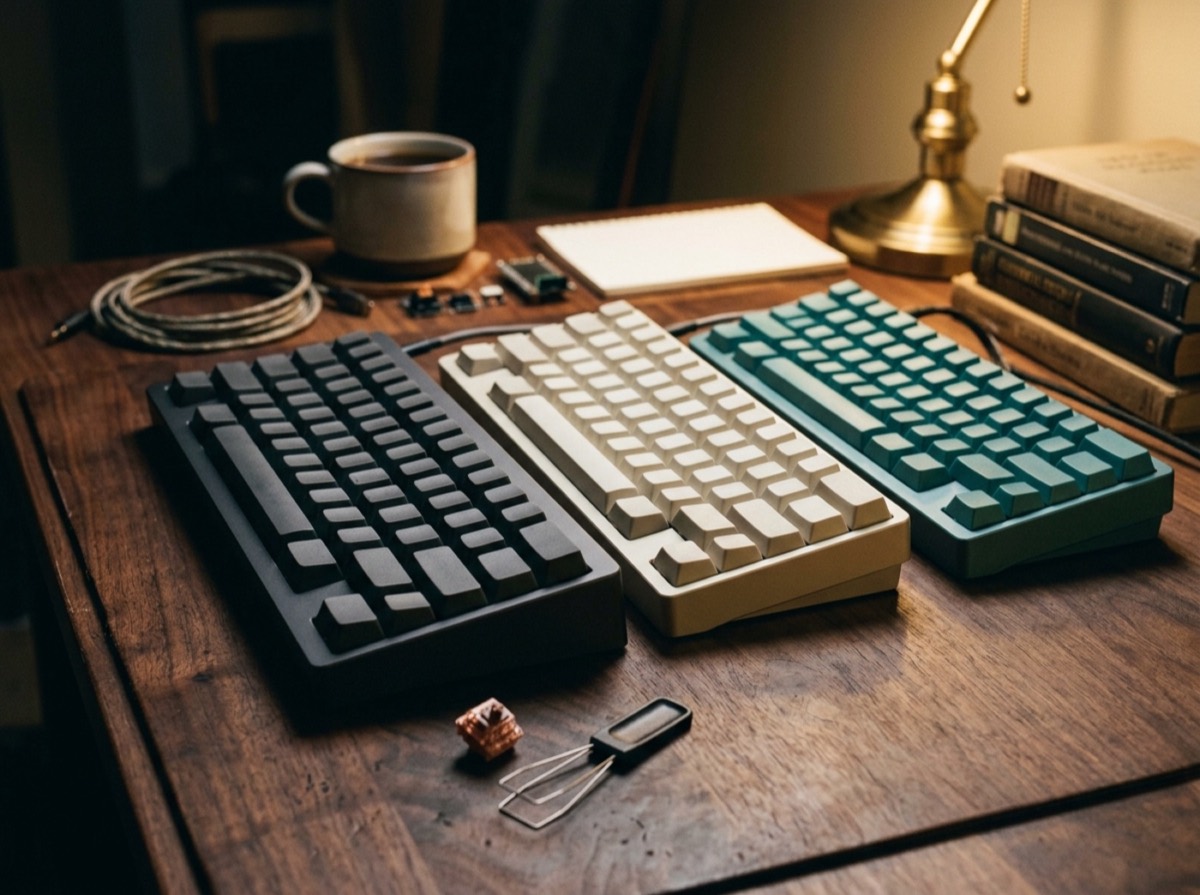
The best mechanical keyboard in 2026 is no longer a loud, heavy slab reserved for gamers. The strongest boards now combine gasket-mounted typing that feels soft and consistent, wireless connections that switch between a laptop, a tablet and a phone, and hot-swappable switches you can change without soldering. Good mechanical keyboards for typing also cost far less than they used to, and a well-made budget board now types better than many premium models did a few years ago.
To build this ranking we compared recent tested lists from independent keyboard reviewers and measurement labs, then checked each model's specifications on the maker's own site. We ranked on typing feel and sound, build quality, connectivity and battery life, software and customisation, and value. The list covers full-featured all-rounders, low-profile and wireless mechanical keyboards for Mac and laptop users, a quiet office board, a gaming pick, a budget line and a split ergonomic keyboard, so most people will find a match whatever their desk looks like.
At a glance

#1 · Best for Most people who want one great keyboard
Keychron Q1 Max
The best mechanical keyboard overall
The Q1 Max pairs a heavy full-aluminium case with a double gasket mount and layers of sound-dampening foam, so every keystroke feels cushioned and sounds full. It connects over Bluetooth, a 2.4GHz dongle or a cable, supports QMK and VIA for remapping, and has hot-swappable sockets for Gateron Jupiter switches or your own. It works with both macOS and Windows, and the wider Q Max series offers the same build in other sizes, including the full-size Q5 Max.
- Full aluminium case with double gasket mount
- Bluetooth, 2.4GHz and wired connections
- Hot-swappable switches with QMK and VIA support
- Keychron Launcher web app for remapping
- Other sizes in the Q Max series
- Layout
- 75% (other sizes in the series)
- Connectivity
- Bluetooth, 2.4GHz, USB-C
- Price range
- Upper mid-range
- Works with
- macOS and Windows

#2 · Best for Typing and gaming on a moderate budget
Keychron V1 Ultra 8K
Premium feel for a mid-range price
The V1 Ultra 8K brings gaming-grade 8,000Hz wireless polling to a keyboard that is just as good for writing. Its gasket mount, acoustic foam and double-shot PBT keycaps give a soft, poppy sound, and the hot-swappable board accepts other switches later. It runs open-source ZMK firmware and has two separate RGB lighting systems. Availability varies by country, so check your local Keychron store.
- 8,000Hz polling over 2.4GHz wireless
- Gasket mount with acoustic foam
- Hot-swappable switches
- Double-shot PBT keycaps
- ZMK open-source firmware
- Layout
- 75%
- Connectivity
- 2.4GHz wireless, USB-C
- Price range
- Mid-range

#3 · Best for Laptop users who want a slim wireless board
NuPhy Node Series
Best low-profile wireless all-rounder
NuPhy's Node line comes in low-profile and standard-profile versions, in 75% and full-size layouts, so you can choose between a slim laptop-like feel and a traditional one. The boards are plastic but well built, with a gasket mount and pre-lubed switches in linear red, tactile brown or the very quiet Blush linear. A customisable touch strip handles volume and backlight, and the nuphy.io web app manages macros, profiles and battery settings. The low-profile Node75 is one of the most comfortable wireless mechanical keyboards for long typing sessions.
- Low-profile and standard-profile versions
- 75% and full-size layouts
- Quiet Blush linear switch option
- Customisable touch bar
- Web-based configuration app
- Layout
- 75% or full-size
- Type
- Wireless, low or standard profile
- Price range
- Mid-range

#4 · Best for Mac users and quiet home offices
Lofree Flow 2
The most refined low-profile keyboard
The Flow 2 is machined from a single block of aluminium and uses low-profile Kailh Cloud switches in linear, tactile or silent linear versions. It connects over Bluetooth 5.3, a 2.4GHz receiver or USB-C, and works with Windows, macOS, iPadOS, iOS and Android. Lofree rates the 2,000mAh battery at up to 90 hours with the backlight off. It comes in 68-key and 84-key sizes, including a Mac-focused version, and the switches are hot-swappable.
- Aluminium unibody case
- Silent Void switch option
- Bluetooth 5.3, 2.4GHz and USB-C
- Up to 90 hours with backlight off
- 68-key and 84-key sizes
- Layout
- 68 or 84 keys
- Connectivity
- Bluetooth, 2.4GHz, USB-C
- Price range
- Premium
- Works with
- Windows, macOS, iOS, iPadOS, Android

#5 · Best for Competitive gamers
Wooting 80HE
The benchmark for competitive gaming
Strictly speaking the 80HE uses magnetic Hall-effect switches rather than traditional mechanical ones, and that is its advantage. You can set each key's actuation point between 0.1mm and 4mm, use Rapid Trigger for instant resets, and get true analog input for racing and flight games. It polls at a true 8,000Hz over its USB-C cable, and the Wootility software is widely seen as the best in the category. Wooting backs it with a four-year warranty (LEDs excluded) and offers a plastic or zinc alloy case.
- Hall-effect switches with 0.1 to 4mm actuation
- Rapid Trigger and analog input
- True 8,000Hz polling
- Wootility software with onboard profiles
- Four-year warranty
- Layout
- 80% (ANSI, ISO, JIS)
- Connectivity
- Wired USB-C only
- Price range
- Premium

#6 · Best for Gamers who want tactile switches and extras
Razer BlackWidow V4 Pro 75%
Feature-packed wireless gaming board
Razer's compact flagship combines a gasket-mounted FR4 plate, an aluminium alloy top case and hot-swappable sockets that take 3-pin or 5-pin switches. It ships with Razer Orange tactile switches, connects over HyperSpeed wireless at up to 4,000Hz, Bluetooth for three devices or USB-C, and adds a 2-inch OLED display with a clickable Command Dial. Snap Tap helps with fast direction changes in games. It is expensive, and there is only one stock switch choice.
- Hot-swappable 3-pin and 5-pin sockets
- 4,000Hz HyperSpeed wireless
- OLED screen and Command Dial
- Gasket-mounted FR4 plate
- Magnetic wrist rest included
- Layout
- 75%
- Connectivity
- HyperSpeed 2.4GHz, Bluetooth, USB-C
- Price range
- Premium

#7 · Best for Enthusiasts who love a deep sound
Wobkey Rainy 75 Pro
The best-sounding keyboard here
The Rainy 75 Pro is built for people who care how a keyboard sounds. A CNC-machined aluminium case, gasket mount and several layers of foam produce a deep, rounded 'thock', and the Pro version pairs smooth Kailh Cocoa linear switches with a large 7,000mAh battery. It is hot-swappable, works with Windows and macOS, and uses web-based software. Only linear switches are offered.
- CNC aluminium case with gasket mount
- 7,000mAh battery on Pro models
- Kailh Cocoa linear switches
- Hot-swappable
- Several colour finishes
- Layout
- 75%
- Type
- Wireless, aluminium
- Price range
- Mid-range

#8 · Best for Quiet typing at work
Cherry KC 200 MX
The sensible office mechanical keyboard
From the German brand that made the MX switch famous, the KC 200 MX is a slim full-size keyboard with a number pad and four programmable hotkeys. You can choose tactile MX2A Brown or quieter MX2A Silent Red switches, and an anodised metal plate keeps it stiff. It is wired over USB-A, has no backlight and no flashy extras, and the switches are soldered rather than hot-swappable. Macros are set in the CHERRY KEYS software, and it ships in plastic-free packaging.
- Full-size layout with number pad
- MX2A Brown or Silent Red switches
- Four programmable hotkeys
- Anodised metal plate
- Plastic-free packaging
- Layout
- Full-size (104 keys)
- Connectivity
- Wired USB-A
- Price range
- Budget to mid-range
- Warranty
- 2 years

#9 · Best for Great typing on a small budget
Ducky OK-M Series
Best budget mechanical keyboard
Ducky's OK-M line delivers a typing experience close to far pricier boards. It comes in 65%, 75% and 98% sizes, so you can keep a compact number pad if you need one. The soft gasket mount and well-tuned keys feel good straight out of the box, although the plastic case flexes a little more than premium rivals. The boards work with the open-source VIA configurator for remapping and macros.
- 65%, 75% and 98% sizes
- Soft gasket mount
- VIA support for remapping
- Strong typing feel for the price
- Layout
- 65%, 75% or 98%
- Type
- Plastic, gasket-mounted
- Price range
- Budget

#10 · Best for Ergonomic typing without a high price
Epomaker Split65
Affordable way into split keyboards
The Split65 divides into two halves that can sit up to about 13 inches apart, letting your shoulders and wrists stay in a more natural position. It is hot-swappable, supports QMK and VIA, and ships with light linear switches and per-key RGB. There is a learning curve if you have only used standard keyboards, and Epomaker does not sell a tenting kit for it, but it costs much less than most split ergonomic boards.
- Split 65% layout
- Halves up to about 13 inches apart
- Hot-swappable switches
- QMK and VIA support
- Per-key RGB lighting
- Layout
- Split 65%
- Type
- Ergonomic split keyboard
- Price range
- Mid-range
How to choose
Start with size and layout. A full-size keyboard keeps the number pad for spreadsheets and data entry. A 75% layout drops the number pad but keeps the function row and arrow keys, which is why it has become the most popular choice for a compact mechanical keyboard. Smaller 65% and 60% boards save more space but hide keys behind shortcuts. If you type on a laptop most of the day, a low-profile mechanical keyboard feels closer to what your hands already know and needs less wrist angle.
Next, pick the switch type and the connection. Linear switches are smooth and quiet, tactile switches give a small bump that many typists like, and clicky switches are loud and best kept out of shared offices. Silent linear options such as Cherry MX2A Silent Red or Lofree's Void switch are the easiest to live with at work. A hot-swappable board lets you try different switches later. For wireless, check for Bluetooth multi-device pairing and a 2.4GHz dongle, which gives lower latency for gaming. Finally, look at the software: QMK and VIA support, Keychron Launcher or a web app like Wootility make remapping keys and setting macros simple on both Windows and macOS.
Frequently asked questions
What is the best mechanical keyboard in 2026?
+
The Keychron Q1 Max is the best all-round mechanical keyboard for most people. It has a full aluminium case, a gasket mount for a soft typing feel, hot-swappable switches and Bluetooth, 2.4GHz and wired connections. If you want a cheaper option with very fast wireless, the Keychron V1 Ultra 8K is a strong alternative.
Is a mechanical keyboard worth it for typing?
+
For most people who type a lot, yes. Mechanical switches give a more consistent feel and clearer feedback than membrane keyboards, and they last far longer. Many models also let you replace switches and keycaps, so the keyboard can be repaired or refreshed instead of thrown away.
What is the best quiet mechanical keyboard for the office?
+
Look for silent linear switches. The Cherry KC 200 MX is available with MX2A Silent Red switches and has a plain, office-friendly design. The Lofree Flow 2 offers a silent Void switch in a slim low-profile body, and NuPhy's Node series offers a quiet Blush switch.
What is the best wireless mechanical keyboard for Mac?
+
The Lofree Flow 2 and the NuPhy Node series are good choices for Mac users because they are slim, wireless and work with macOS and iPadOS. The Keychron Q1 Max also supports macOS and connects over Bluetooth or a 2.4GHz dongle for a lower-latency link.
What does hot-swappable mean on a keyboard?
+
A hot-swappable keyboard has sockets instead of soldered switches, so you can pull out a switch and push in a new one with a simple tool. This makes it easy to try linear, tactile or silent switches and to replace a faulty key. The Keychron Q1 Max, Razer BlackWidow V4 Pro 75% and Epomaker Split65 are all hot-swappable.
Is a magnetic keyboard better than a mechanical keyboard for gaming?
+
For competitive gaming, magnetic Hall-effect keyboards such as the Wooting 80HE have an edge. They let you set the actuation point for each key and use Rapid Trigger, which resets a key as soon as you start to lift it. For typing and general use, a good traditional mechanical keyboard is just as satisfying and often cheaper.
What size mechanical keyboard should I get?
+
Get a full-size board if you use the number pad often, and a 75% board if you want a compact keyboard that still keeps the function row and arrow keys. 65% and 60% boards suit small desks and travel but put some keys on a second layer. Split keyboards such as the Epomaker Split65 help if you want a more natural shoulder position.
What is the best budget mechanical keyboard?
+
The Ducky OK-M series is a good budget choice, with a gasket mount and VIA support in 65%, 75% and 98% sizes. The Keychron V1 Ultra 8K costs a little more but adds very fast wireless and hot-swappable switches.
The Keychron Q1 Max is the best mechanical keyboard for most people in 2026, with a solid aluminium case, excellent typing feel and full wireless flexibility. The Keychron V1 Ultra 8K gives you much of that experience for less, the NuPhy Node series and Lofree Flow 2 are the low-profile picks for Mac and laptop users, and the Wooting 80HE is the one to beat for competitive gaming. If you want a quiet mechanical keyboard for the office, the Cherry KC 200 MX keeps things simple, and the Ducky OK-M line proves a budget mechanical keyboard can still type beautifully.
How we research: We compare each product on the same criteria, using makers’ documentation, independent reviews and owner feedback, and re-check the list when products change.
Written by
Bitezine Editorial Team
Rankings, reviews & guides
Our editors research every piece from makers’ documentation, independent tests and owner reports, and update it when products change.