Ranked · Apps
Best meal planner apps in 2026
Stop asking what's for dinner every night. We compare the best meal planner apps for 2026, from Listub's shared weekly planner to Paprika, Plan to Eat and AnyList.
 Bitezine Editorial TeamRankings, reviews & guides 10 min read
 AI generated
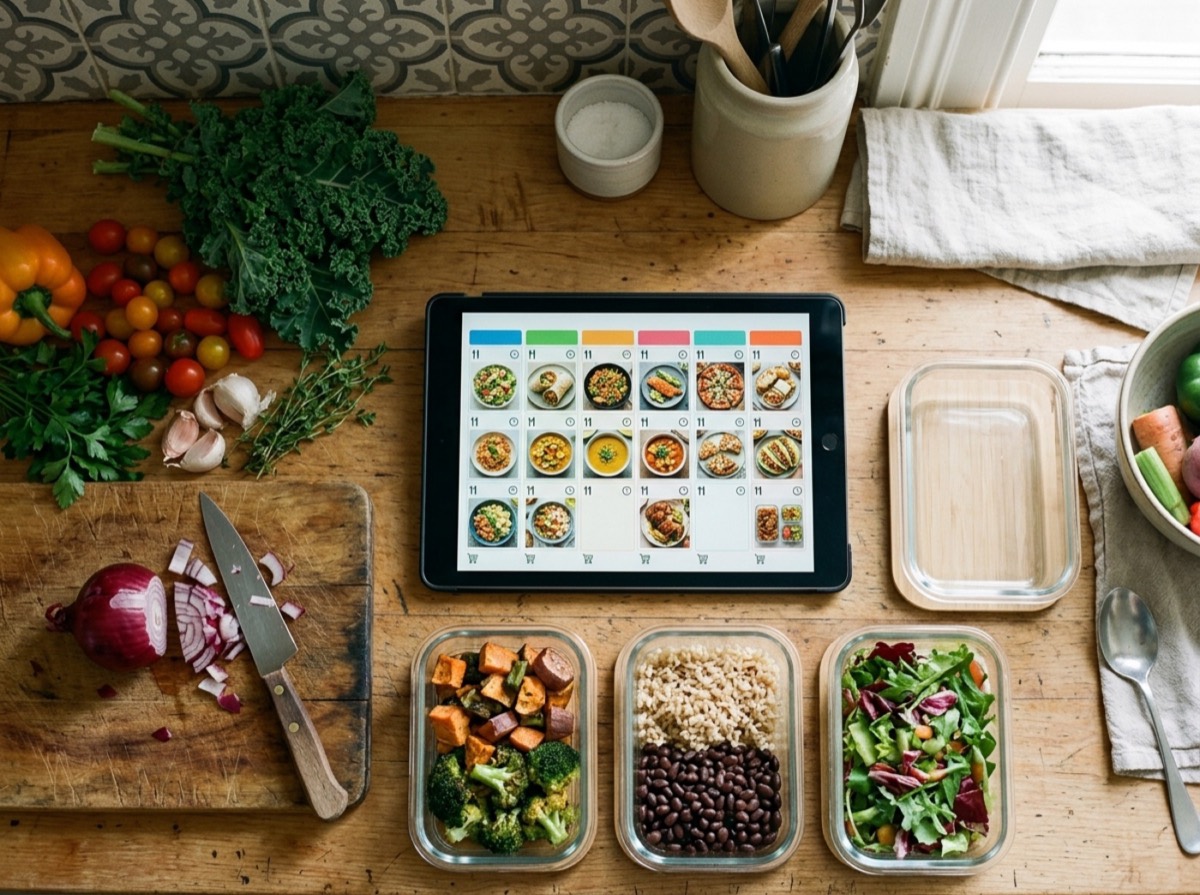
The best meal planner app turns the daily question of what to cook into a decision you make once a week. A good weekly meal planner app shows the whole week at a glance, keeps recipes and notes close to hand, and helps you build a grocery list so you shop once instead of three times. For households, a shared meal planner means everyone can see what is for dinner without asking.
To choose these meal planning apps for 2026 we looked at how quickly you can fill in a week, whether you can plan by meal type (breakfast, lunch, dinner and snacks), how well recipes and notes attach to each meal, and whether the app links to a shopping list. We also weighed sharing with family, offline access, platform coverage on iPhone, Android and the web, and how much a free meal planner app gives you before you pay. Every app here is available as of September 2026. We left out Mealime, a long-time favourite, because it has announced it will shut down on 21 October 2026.
At a glance

#1 · Best for Families planning the week together
Listub Meal Planner
The simplest shared weekly planner
Listub Meal Planner is a weekly meal planner you fill in once: put each meal on the day you will cook it, sort it into breakfast, lunch, dinner or snacks, and read the whole week on one screen. You can add ingredients, a method or a recipe link to any meal, drag meals between days when plans change, and tick them off as you cook. It pairs with Listub's Shopping List module, works as a shared meal planner for family or roommates with real-time updates on Premium, and lets you view the plan offline. Dated meals also show up in Listub's Calendar, and the Galveo AI assistant can add items from what you type or say.
- Weekly view with meals by day and meal type
- Notes, ingredients and recipe links on every meal
- Drag and drop between days, tick off as you cook
- Works with the Listub Shopping List module
- Real-time sharing with family on Premium, offline viewing
- Platforms
- iOS, Android, macOS
- Pricing
- Freemium, Premium adds sharing and multiple devices
#2 · Best for Home cooks who hate subscriptions
Paprika
Best one-time purchase for cooks
Paprika is a recipe manager with a weekly and monthly meal planner, reusable menus, pantry tracking and a grocery list sorted by aisle. Its built-in browser handles recipe import from most websites, and it scales ingredients and detects timers while you cook. Everything works offline, and cloud sync keeps devices in step. Each platform is a separate one-time purchase.
- Recipe import from websites
- Meal planner with reusable menus
- Pantry tracking and aisle-sorted grocery list
- Offline use with cloud sync
- Platforms
- iOS, Android, macOS, Windows
- Pricing
- Paid, one-time purchase per platform
#3 · Best for Planning around your own recipes
Plan to Eat
Best for recipe collectors
Plan to Eat lets you clip recipes from any site into your own recipe book, then drag them onto a meal planning calendar. The shopping list builds itself from planned recipes, and you can add household items. It includes nutrition information, and one account covers the whole family on web, iPhone and Android.
- Recipe clipper for any website
- Drag-and-drop meal planning calendar
- Automatic shopping list
- Nutrition and macro information
- Platforms
- iOS, Android, Web
- Pricing
- Free trial, then paid

#4 · Best for Households that shop together
AnyList
Great shared grocery list, solid planner
AnyList is best known as a shared grocery list app, and its Complete plan adds a meal planning calendar with list and calendar views, recipe import from popular sites and access on the web and Mac. Shopping lists are shared with family in real time, and there is an Apple Watch app. The meal planner is not part of the free version.
- Shared grocery lists with real-time sync
- Meal planning calendar on Complete
- Recipe import and scaling
- Apple Watch, Mac and web apps
- Platforms
- iOS, Android, macOS, Web, watchOS
- Pricing
- Freemium, Complete unlocks meal planning

#5 · Best for Finding new recipes to plan
Samsung Food
Big recipe library, free planning
Samsung Food, formerly Whisk, combines recipe discovery, a recipe box, a meal planner and a shopping list in one free app. You can save recipes from the web, plan them across the week and send ingredients to your list. A paid tier adds personalised plans and extra features, and it connects with some Samsung kitchen appliances.
- Save recipes from any website
- Weekly meal planner with a recipe queue
- Shopping list built from recipes
- Community recipes and collections
- Platforms
- iOS, Android, Web
- Pricing
- Freemium, paid tier adds personalised plans

#6 · Best for Fitness and nutrition goals
Eat This Much
Best for calorie and macro goals
Eat This Much generates meal plans automatically from your calorie and macro targets, diet type, budget and schedule. It supports keto, vegan, paleo, Mediterranean and other diets, creates a grocery list and has a virtual pantry. Free users can generate plans one day at a time, while weekly plans need premium.
- Automatic plans from calorie and macro targets
- Diet presets such as keto and vegan
- Grocery list with delivery options
- Virtual pantry
- Platforms
- iOS, Android, Web
- Pricing
- Freemium, premium unlocks weekly plans

#7 · Best for Discovering and sharing recipes
Prepear
Social recipes with meal planning
Prepear mixes a recipe platform with a meal planner and automatic grocery list. You can save recipes from the web, add notes to each day, filter by diet and send your list to Walmart for pickup or delivery in the US. The free version shows ads, and Prepear Gold unlocks more features.
- Recipe import from the web
- Meal plans with daily notes
- Automatic grocery list with Walmart ordering
- Diet filters and recipe sharing
- Platforms
- iOS, Android, Web
- Pricing
- Freemium, Gold unlocks extra features

#8 · Best for People who want plans done for them
eMeals
Ready-made plans for busy weeks
eMeals gives you weekly meal plans written by its team, with more than 15 styles including keto, gluten-free and plant-based. Each plan comes with a shopping list you can send to grocers such as Walmart, Kroger, Instacart and Amazon Fresh in the US. You can also save favourites and add your own recipes.
- Weekly plans in 15+ diet styles
- Automatic shopping list
- Grocery pickup and delivery integrations
- Optional breakfast and lunch plans
- Platforms
- iOS, Android, Web
- Pricing
- Free trial, then paid

#9 · Best for Handing off the planning
Ollie
AI meal planning for families
Ollie uses AI to build weekly family meal plans around your preferences, budget and time, and learns what your household likes. It creates a grocery list from the plan and suggests swaps for picky eaters. Some users report repeated meal styles, and a paid subscription is needed after the trial.
- AI-generated weekly meal plans
- Learns family tastes over time
- Dynamic grocery list
- Budget and time preferences
- Platforms
- iOS, Android
- Pricing
- Free trial, then paid
#10 · Best for Digitising family recipes
Recipe Keeper
Recipe box with a monthly planner
Recipe Keeper stores your recipes and includes a weekly and monthly meal planner that can be shared with family. Ingredients from the plan go to a shopping list grouped by aisle in one step, and you can keep separate lists for different stores. It syncs across phones, tablets and computers.
- Weekly and monthly meal planner
- Recipe import and personal recipe box
- Aisle-grouped shopping lists
- Sync across Windows, Mac and mobile
- Platforms
- iOS, Android, Windows, macOS
- Pricing
- Free trial, then paid
How to choose
Decide first whether you want the app to choose meals for you or simply hold the plan you make. Recipe-driven apps such as Eat This Much, eMeals and Ollie suggest meals based on diet, calories or budget. Planner-first apps such as Listub, Paprika and Plan to Eat let you put your own meals on the calendar, with recipe import and notes. If you already cook from memory or from family recipes, a simple weekly meal planner app with notes is often faster than a recipe database.
Then check the practical details. A meal planner app with a grocery list saves the most time, especially if the list can be shared with whoever does the shopping. Families should look for real-time sharing so a partner or roommate sees changes straight away. Make sure the app runs on both iPhone and Android if your household is mixed, see what works offline in the kitchen or the shop, and compare free plans against subscriptions or one-time purchases before you commit.
Frequently asked questions
What is the best free meal planner app?
+
Samsung Food and Prepear both offer free meal planning with recipe saving and grocery lists, and Listub Meal Planner has a free tier that lets you plan meals by day and type with notes and recipes. Mealime was a popular free choice, but it has announced it will shut down in October 2026. AnyList is free for shopping lists, but its meal planning calendar needs AnyList Complete.
Which meal planner app works on both iPhone and Android?
+
Listub, Plan to Eat, Samsung Food, AnyList, Prepear, eMeals, Eat This Much and Ollie all have apps for iPhone and Android. Paprika is also on both, but each platform is a separate purchase. Samsung Food, Plan to Eat and eMeals also work in a web browser, and Listub also runs on the Mac.
Can I share a meal plan with my family or partner?
+
Yes. Listub lets you share a meal planning room with family or roommates, and changes appear for everyone in real time on the Premium plan. Plan to Eat gives the whole household access through one account, and AnyList Complete includes a household plan for shared lists and meal plans.
Is there a meal planner app without a subscription?
+
Paprika is sold as a one-time purchase per platform, with no subscription, and it includes a meal planner, grocery lists and pantry tracking. Listub, Samsung Food and Prepear have free tiers you can use without paying, with optional premium plans.
What is the best alternative to Mealime?
+
Samsung Food and Prepear are close free alternatives that combine recipes, meal plans and grocery lists. Ollie offers AI-generated family meal plans, and Eat This Much builds plans around calorie and macro targets. If you prefer to plan your own meals, Listub Meal Planner and Plan to Eat are good choices.
Which meal planning app has a grocery list?
+
Most do. Paprika, Plan to Eat, AnyList, Samsung Food, Prepear, eMeals and Eat This Much all build a grocery list from the recipes you plan. Listub Meal Planner works alongside the Listub Shopping List module in the same app, so your plan and your list sit side by side.
Does Paprika work offline?
+
Yes. Paprika stores recipes, meal plans and grocery lists on your device, so you can use them without a connection, and cloud sync updates your other devices when you are back online. Listub also lets you view your meal plan offline, though editing needs a connection.
How do I make a weekly meal plan in an app?
+
Pick a day to plan, then add each meal to the day you will cook it, sorted by breakfast, lunch, dinner or snack. Attach a recipe link or a short note with ingredients, and add what you need to your shopping list. In Listub you can drag meals between days if plans change and tick them off as you cook.
The best meal planning app is the one your household will actually open on a Sunday evening. If you want a shared weekly meal planner that sits next to your shopping list, calendar and the rest of family life, start with Listub Meal Planner. Paprika suits cooks who want a one-time purchase and a strong recipe manager, Plan to Eat is great for recipe collectors, and Eat This Much is the pick if calories and macros come first. Try a free plan for a week or two and keep the app that makes dinner decisions easier.
How we research: We compare each product on the same criteria, using makers’ documentation, independent reviews and owner feedback, and re-check the list when products change.
Written by
Bitezine Editorial Team
Rankings, reviews & guides
Our editors research every piece from makers’ documentation, independent tests and owner reports, and update it when products change.