Ranked · Business
Best label printers for small businesses in 2026
The best label printers for small businesses in 2026, from Brother QL and DYMO LabelWriter models to Zebra and MUNBYN shipping label printers for online sellers.
 Bitezine Editorial TeamRankings, reviews & guides 9 min read
 AI generated
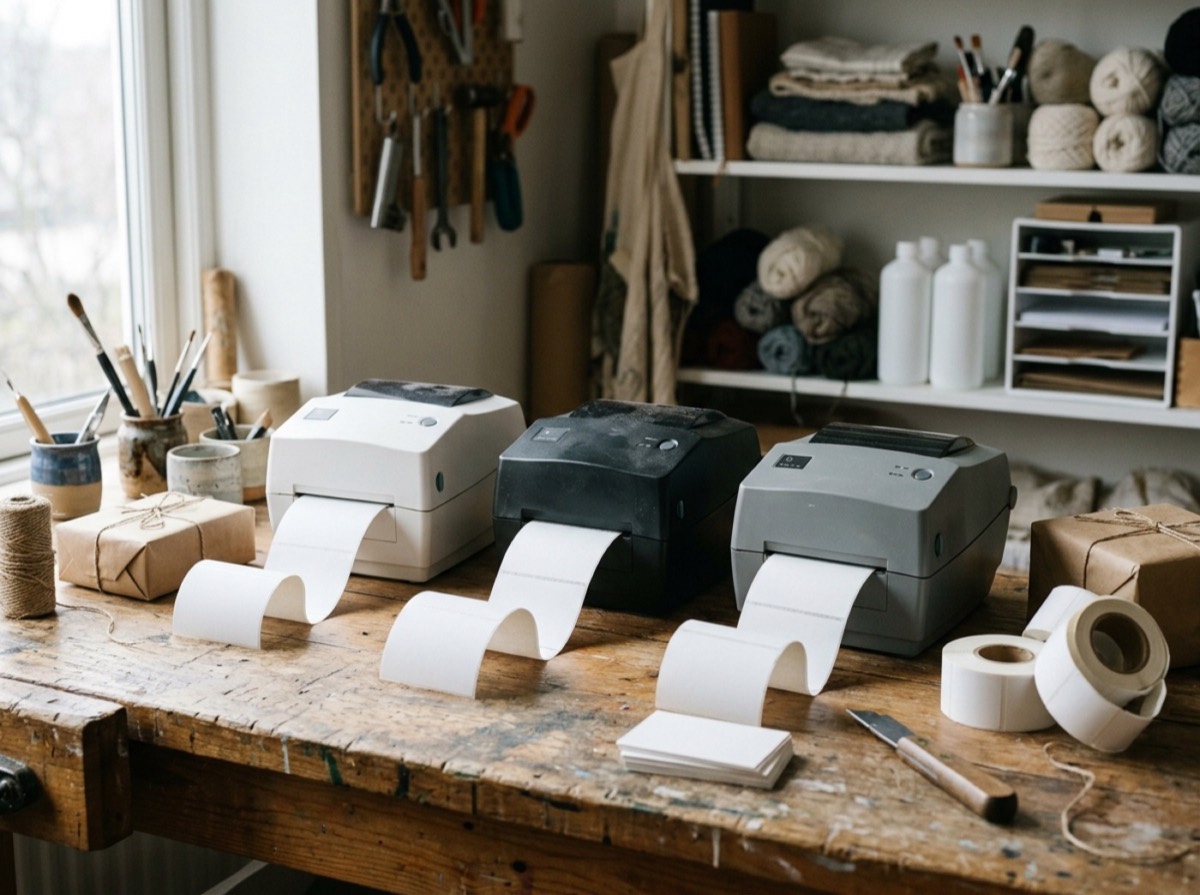
The best label printer for a small business saves time on every parcel, shelf label and file folder. Direct thermal label printers need no ink or toner, print a label in about a second, and connect to a computer, phone or network. For online sellers, a 4-inch shipping label printer that handles DHL, DPD or Hermes labels is often the single most useful piece of office hardware after the laptop.
For this ranking we compared the label printers most often recommended for offices, shops and e-commerce, and checked each model's current specifications on the manufacturer's website. We looked at maximum label width, print speed and resolution, connectivity (USB, Wi-Fi, Ethernet, Bluetooth), label costs and restrictions, software, and whether the printer suits shipping labels, barcodes or small address labels. Prices change often, so we describe them only in general terms.
At a glance

#1 · Best for Shared office and shop label printing
Brother QL-820NWBc
Best label printer for most offices
The QL-820NWBc is a professional network label printer with every common connection: USB, Wi-Fi, Ethernet and Bluetooth. It prints up to 110 labels per minute, can print red and black on special rolls, and its backlit display lets you print stored templates without a computer. An optional battery makes it portable.
- USB, Wi-Fi, Ethernet and Bluetooth
- Up to 110 labels per minute
- Red and black printing
- Backlit display for stand-alone printing
- Optional rechargeable battery
- Label width
- Up to 62 mm
- Type
- Direct thermal
- Price range
- Mid
#2 · Best for Online shops printing parcel labels
Brother QL-1110NWBc
Best Brother for shipping labels
The QL-1110NWBc prints labels up to 103 mm wide, which covers 4-inch shipping labels for parcels and mailers. It connects over USB, Wi-Fi, Ethernet and Bluetooth, prints up to 68 labels per minute, and its crop-print function turns A4 label sheets from carrier portals into individual labels.
- Labels up to 103 mm wide
- Crop-print for A4 PDF shipping labels
- USB, Wi-Fi, Ethernet and Bluetooth
- Up to 68 labels per minute
- Prints from phones and tablets
- Label width
- Up to 103 mm
- Type
- Direct thermal
- Price range
- Mid to upper

#3 · Best for Offices printing address and file labels
DYMO LabelWriter 550
Easiest setup for address labels
The LabelWriter 550 is a compact direct thermal printer for address, shipping and file labels. It automatically recognises the label type and shows how many labels are left, but only works with authentic DYMO labels. The 550 Turbo version prints faster and adds network connectivity.
- Automatic label recognition
- Direct thermal, no ink
- DYMO Connect software for PC and Mac
- Faster Turbo version available
- Connection
- USB
- Type
- Direct thermal
- Price range
- Budget to mid

#4 · Best for Sellers with high daily volumes
Zebra ZD421 (ZD400 series)
Best for warehouses and barcodes
Zebra's ZD400 series includes 4-inch and 2-inch desktop printers built for years of heavy use. The ZD421 is available as a direct thermal model or with an easy-load ribbon cartridge for thermal transfer, and optional Wi-Fi 6 with Bluetooth 5.3 makes it easy to share. Zebra's DNA software suite helps with setup, management and security.
- Direct thermal or thermal transfer versions
- 4-inch shipping and barcode labels
- Optional Wi-Fi 6 and Bluetooth 5.3
- Five LED status indicators
- Zebra DNA management software
- Label width
- Up to 4 inch
- Type
- Direct thermal or thermal transfer
- Price range
- Upper
#5 · Best for Small sellers who want a simple wide-format printer
DYMO LabelWriter 5XL
Easy 4-inch shipping labels
The LabelWriter 5XL is DYMO's wide-format model for 4-inch shipping labels. Like the 550, it recognises the loaded label automatically and uses DYMO's own label rolls, and it works with common shipping platforms and marketplaces through DYMO's software.
- Prints 4-inch shipping labels
- Automatic label recognition
- Direct thermal, no ink
- DYMO Connect software
- Label width
- Up to 4 inch
- Type
- Direct thermal
- Price range
- Mid to upper
#6 · Best for Retail, food and product labelling
Brother TD-4550DNWB
Most versatile desktop workhorse
The TD-4550DNWB is a modular professional label printer with 300 dpi resolution and speeds up to 152 mm per second. It handles media up to 118 mm wide, calibrates itself automatically, and offers USB, Ethernet, Wi-Fi, Bluetooth and serial connections plus a USB host port and built-in display.
- 300 dpi print resolution
- Up to 152 mm per second
- Media up to 118 mm wide
- USB, LAN, Wi-Fi, Bluetooth and serial
- Automatic media calibration
- Label width
- Up to 118 mm
- Type
- Direct thermal
- Price range
- Upper

#7 · Best for Marketplace sellers on a budget
MUNBYN RealWriter 941
Best value 4x6 shipping printer
MUNBYN is a popular budget brand among marketplace sellers, and its RealWriter 941 series is a 300 dpi thermal label printer that connects via Bluetooth or USB and supports the major shipping platforms. MUNBYN also runs a German online store.
- 300 dpi resolution
- Bluetooth and USB
- Prints from phones
- Supports major shipping platforms
- Label width
- Up to 4 inch
- Type
- Direct thermal
- Price range
- Budget
#8 · Best for Single workstations on a tight budget
Brother QL-800
Best budget office label printer
The QL-800 is Brother's entry-level desktop label printer. It connects by USB, prints red and black on special rolls and uses the same DK label range as the more expensive QL models, so you can start small and upgrade later without changing supplies.
- USB connection
- Red and black printing
- Uses Brother DK label rolls
- Compact footprint
- Label width
- Up to 62 mm
- Type
- Direct thermal
- Price range
- Budget
#9 · Best for IT, installers and workshops
Brother P-touch PT-E560BT
Best for cables and shelves
The PT-E560BT is a handheld P-touch labeller for electricians, IT teams and workshops. It prints durable laminated tape for cables, patch panels and shelves, has industry-specific label templates and connects via Bluetooth so you can create labels on a phone.
- Laminated, durable tape labels
- Bluetooth connection
- Templates for cable and network labels
- Handheld with keyboard
- Label width
- Tape labels
- Type
- Thermal transfer tape
- Price range
- Mid

#10 · Best for Small warehouses and shops
Zebra ZD200 series
Affordable Zebra for basic labels
The ZD200 series is Zebra's value line of desktop printers for basic shipping and barcode labels. It brings Zebra's reliability to smaller budgets, with direct thermal and thermal transfer models and simple setup for low to medium volumes.
- Direct thermal and thermal transfer options
- 4-inch labels
- Simple setup
- Zebra reliability at a lower price
- Label width
- Up to 4 inch
- Type
- Direct thermal or thermal transfer
- Price range
- Mid
How to choose
Start with label size. Address labels, name badges and file labels fit on a 62 mm printer such as the Brother QL-800 series or the DYMO LabelWriter 550. Shipping labels usually need a 4-inch (about 100 mm) printer, like the Brother QL-1110NWBc, DYMO LabelWriter 5XL, Zebra ZD421 or a MUNBYN thermal printer. If you print product labels that must last, look at thermal transfer models, which use a ribbon for smudge-resistant results.
Then think about connectivity and running costs. A wireless label printer with Wi-Fi or Bluetooth can be shared in the office or used from a phone, and network models suit several workstations. Check the price and availability of labels: some printers only accept the maker's own rolls, while others accept generic labels. Finally, make sure the printer works with your shop system or carrier portal, especially if you want to print shipping labels straight from your orders.
Frequently asked questions
What is the best label printer for a small business?
+
The Brother QL-820NWBc is our top pick for small offices because it connects over USB, Wi-Fi, Ethernet and Bluetooth, prints up to 110 labels per minute and can print in red and black. For shipping labels, a 4-inch printer like the Brother QL-1110NWBc or Zebra ZD421 is a better fit.
Which label printer can print DHL shipping labels?
+
Any printer that handles 4-inch (about 100 mm) wide labels works well with DHL, Hermes, DPD and GLS label formats, including the Brother QL-1110NWBc, DYMO LabelWriter 5XL, Zebra ZD400 series and MUNBYN thermal printers. Brother's crop-print function can also turn A4 PDF labels into single labels.
DYMO LabelWriter 550 vs Brother QL-800: which is better?
+
Both are compact 62 mm-class thermal printers for address and file labels. The Brother QL-800 can print red and black and accepts a wide range of Brother DK rolls, while the DYMO LabelWriter 550 automatically recognises the size, type and remaining quantity of DYMO-branded labels.
Do thermal label printers need ink?
+
Direct thermal printers need no ink, toner or ribbon; they use heat-sensitive labels. Thermal transfer printers such as some Zebra and Brother TD models use a ribbon, which produces more durable labels for products and outdoor use.
Can I print labels from my phone?
+
Yes. Printers with Bluetooth or Wi-Fi, such as the Brother QL-820NWBc, QL-1110NWBc and MUNBYN's Bluetooth models, can print from smartphone apps. Brother's iPrint&Label app supports its QL printers.
What label printer is best for barcodes and product labels?
+
The Zebra ZD400 series and the Brother TD-4550DNWB are strong choices, offering high resolution and sturdy media handling. Choose a thermal transfer version if labels must resist rubbing, heat or moisture.
Which label printer is best for cable and shelf labels?
+
A P-touch labeller such as the Brother PT-E560BT prints durable laminated tape for cables, patch panels and shelves, and it connects via Bluetooth. Standard paper labels from desktop printers are less suited to these jobs.
For most small offices, the Brother QL-820NWBc is the best label printer thanks to its connectivity, speed and red-and-black printing. Online sellers who print mainly shipping labels should choose a 4-inch model such as the Brother QL-1110NWBc, Zebra ZD421 or a MUNBYN thermal printer. If you want the simplest setup for address labels and do not mind branded rolls, the DYMO LabelWriter 550 is easy to live with.
How we research: We compare each product on the same criteria, using makers’ documentation, independent reviews and owner feedback, and re-check the list when products change.
Written by
Bitezine Editorial Team
Rankings, reviews & guides
Our editors research every piece from makers’ documentation, independent tests and owner reports, and update it when products change.