Tech
What is a VPN, how does it work and do you actually need one?
What is a VPN? A plain-English explanation of how virtual private networks work, what they protect, what they cannot do, and when using one makes sense.
 Bitezine Editorial TeamRankings, reviews & guides 5 min read
 AI generated
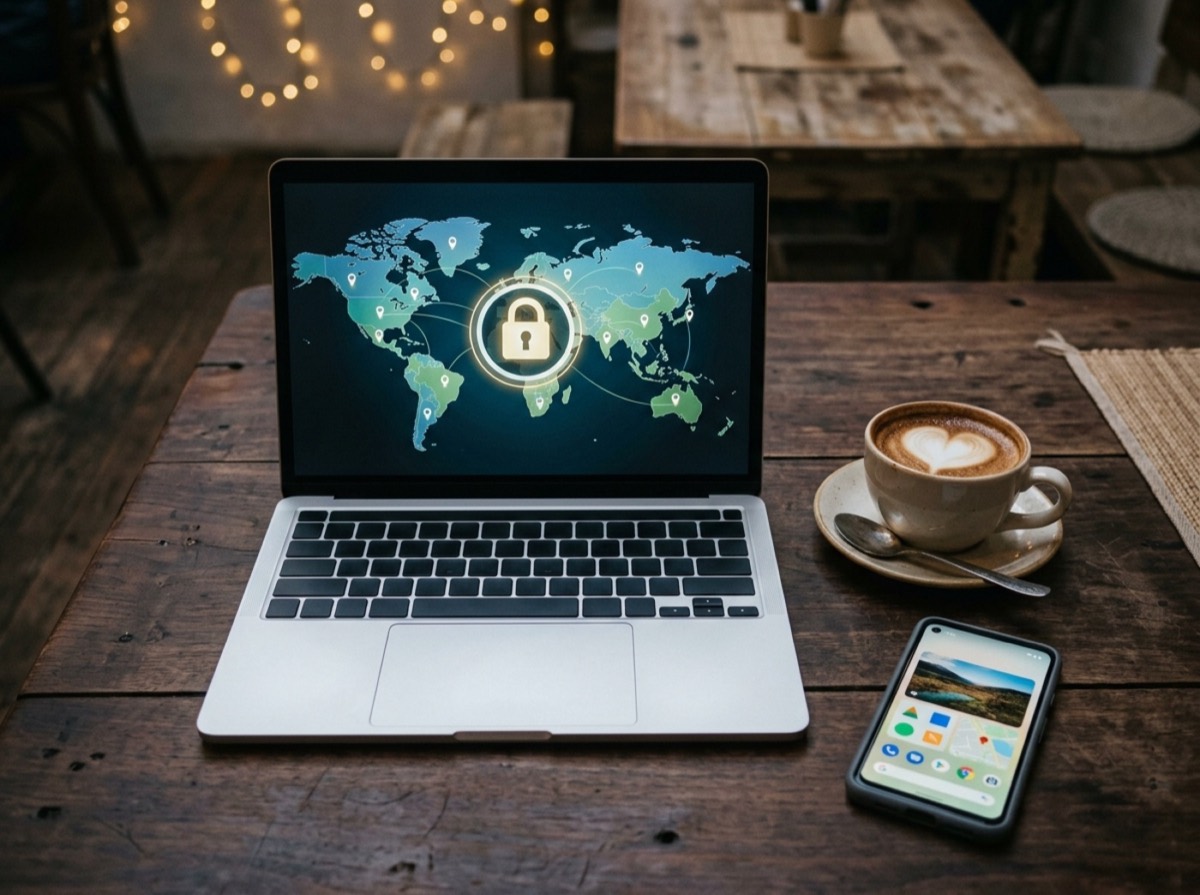
What is a VPN? A virtual private network is a service that creates an encrypted connection between your device and a server run by someone else, and sends your internet traffic through it. To the websites you visit, your traffic appears to come from that server rather than from your own connection.
VPNs are marketed heavily, often with bold promises about privacy and security. Some of those promises are true, some are exaggerated, and a few are wrong. This explainer covers how the technology works, what it protects, where its limits are and how to decide whether you need one.
How does a VPN work?
Normally your device sends traffic to your router, then to your internet provider, then on to the website. Everyone along that path can see which servers you connect to, even when the content itself is encrypted.
A VPN adds a tunnel. Software on your device encrypts all traffic and sends it to the VPN server. Only there is it decrypted and forwarded to its destination. Your internet provider or the operator of a public Wi-Fi network sees only an encrypted stream going to one server, not the sites you visit.
Websites see the VPN server's IP address instead of yours. That is why a VPN can make you appear to be in another city or country.
The two main kinds of VPN
The term covers two quite different uses. Companies have used VPNs for decades to connect offices and to let remote staff reach internal systems, such as file servers or intranets, as if they were in the building. That is the original purpose of the technology.
Consumer VPN services are a newer business. You pay a provider to route your everyday browsing through its servers, mainly for privacy on untrusted networks or to change your apparent location. When most people ask what a VPN is today, they mean this second type.
A VPN does not remove the need for trust; it moves that trust from your internet provider to the VPN provider.
What a VPN hides and what it does not
A VPN is useful, but it does not make you invisible. It moves trust from one party to another. Your internet provider can no longer see where you go, but the VPN provider technically can. Choosing a provider is therefore a question of whom you trust with your browsing data.
It also does nothing about the most common forms of online tracking. If you sign in to an account, the service knows who you are regardless of your IP address. Cookies, browser fingerprinting and tracking within apps continue to work through a VPN.
- Hidden from your internet provider and local network: which sites you visit
- Hidden from websites: your real IP address and approximate location
- Not hidden: anything you do while signed in to an account
- Not hidden from the VPN provider: your connection activity, unless its policies and audits say otherwise
- Not blocked: phishing, malware, weak passwords or scam websites
When a VPN is worth using
Public Wi-Fi in cafés, hotels, airports and trains is the classic case. Most websites already use HTTPS encryption, which protects the content of your pages, so the risk is lower than it once was. A VPN still hides which sites you visit from the network operator and adds protection against poorly configured or malicious hotspots.
Other good reasons include working remotely with a company VPN, keeping your browsing private from your internet provider, reaching your own home network while travelling, and reducing how easily websites can link your visits to your home IP address.
- Connecting to public or shared Wi-Fi
- Accessing work systems from home or abroad
- Keeping browsing history away from your internet provider
- Travelling in countries with restrictive networks, where legal
- Reaching devices on your home network remotely
VPN protocols explained
A protocol is the set of rules a VPN uses to build its encrypted tunnel. Three names come up most often. WireGuard is a newer, lightweight protocol known for fast connections and a small code base, and it is now built into Linux and Android. OpenVPN is an older open-source protocol based on TLS, widely supported and well tested. IPsec is a long-established standard, often paired with IKEv2 on phones, and handles switching between Wi-Fi and mobile data well.
All three are considered secure when properly configured. Older protocols such as PPTP have known weaknesses and should be avoided. If an app gives you a choice, the default is usually fine.
How to choose a VPN service
Because the provider can see your traffic metadata, its trustworthiness matters more than speed charts. Look for a clear privacy policy that says which data is logged, ideally backed by an independent audit. Check where the company is based, since that determines which laws apply to it.
Be cautious with free VPNs. Running servers costs money, and a free service has to pay for it somehow, sometimes through advertising or by collecting and selling usage data. That undermines the reason for using a VPN in the first place.
- Independently audited no-logs policy
- Modern protocols such as WireGuard, OpenVPN or IKEv2
- A kill switch that blocks traffic if the VPN drops
- Protection against DNS leaks
- Apps for all your devices and a transparent owner
Does a VPN slow down your internet?
Usually a little. Encryption adds some processing, and your traffic takes a longer route through the VPN server. Choosing a server close to you and using a modern protocol keeps the loss small, often barely noticeable for browsing and streaming. Distant servers and busy networks cause bigger slowdowns.
Frequently asked questions
What does a VPN actually do?
+
A VPN encrypts your internet traffic and sends it through a server operated by the VPN provider. Your internet provider and local network cannot see which sites you visit, and websites see the server's IP address instead of yours.
Does a VPN make me anonymous?
+
No. A VPN hides your IP address, but the VPN provider can still see your connections, and websites can identify you through logins, cookies and browser fingerprinting. It improves privacy but does not provide anonymity on its own.
Do I need a VPN at home?
+
Not necessarily. Most websites already encrypt their content with HTTPS, so a home VPN mainly hides your browsing from your internet provider. It is most useful on public Wi-Fi, for remote work, or if you specifically want that extra privacy.
Are free VPNs safe?
+
Some are limited but honest, while others fund themselves through ads or by collecting user data. Since the provider can see your traffic metadata, a free service with unclear ownership or policies can be a privacy risk rather than a protection.
Is using a VPN legal?
+
In most countries, including across the EU, the UK and the US, using a VPN is legal. A few countries restrict or ban them. Using a VPN does not make illegal activity legal, and some streaming services prohibit it in their terms.
Does a VPN protect against viruses and phishing?
+
No. A VPN secures the connection, not what you download or click. You still need system updates, careful email habits, strong unique passwords and two-factor authentication.
So, what is a VPN in practice? It is an encrypted tunnel that shields your browsing from the network you are on and hides your IP address from the sites you visit. It is valuable on public Wi-Fi and for remote work, but it is not an invisibility cloak or an antivirus. Pick a provider you trust, keep your other security habits in place, and a VPN becomes one sensible layer among several.
How we research: Guides are written from established sources and checked for accuracy. They are general information, not professional advice.
Written by
Bitezine Editorial Team
Rankings, reviews & guides
Our editors research every piece from makers’ documentation, independent tests and owner reports, and update it when products change.