Tech
How to spot phishing emails before they cost you
Learn how to spot phishing emails: the warning signs in senders, links and attachments, how to check a message safely, and what to do if you clicked.
 Bitezine Editorial TeamRankings, reviews & guides 6 min read
 AI generated
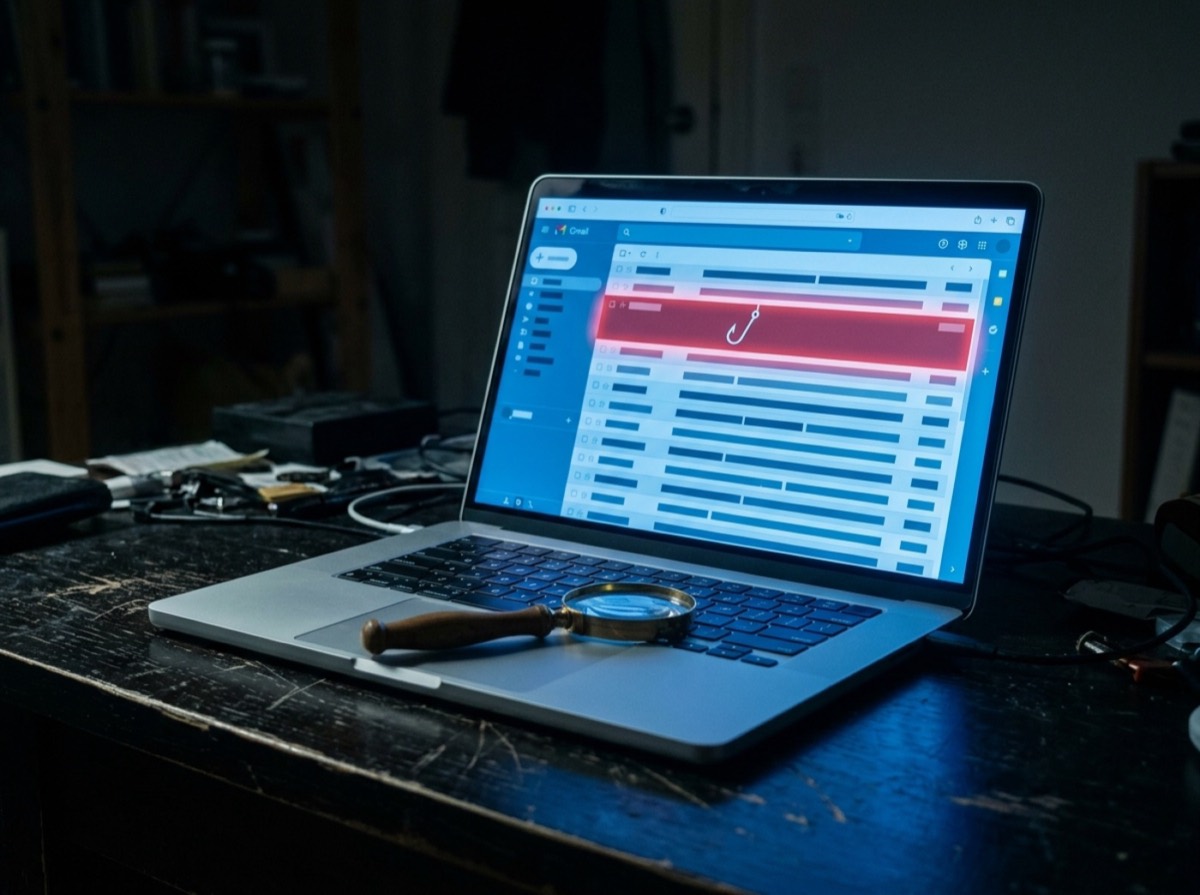
Knowing how to spot phishing emails is one of the most useful security skills you can have, because phishing remains one of the most common ways criminals steal passwords, money and personal data. A phishing email pretends to come from someone you trust, such as a bank, a parcel service, a colleague or a streaming service, and tries to get you to click, log in, pay or open a file.
The messages have become more convincing, with clean design, correct logos and fewer spelling errors. Yet nearly all of them still rely on the same psychological tricks and leave the same technical traces. Once you know what to look for, most of them become easy to catch.
What is phishing and why does it work?
Phishing is a form of fraud in which attackers impersonate a trusted organisation or person to trick you into giving up information or taking an action. Email is the classic channel, but the same scams arrive by text message, often called smishing, by phone call and through messaging apps.
It works because it targets people rather than systems. Instead of breaking encryption, a criminal only needs one person to type a password into a fake page. Targeted versions, known as spear phishing, use details about you or your employer to seem even more credible.
The most common warning signs of a phishing email
No single sign proves a message is fake, but the more of them you see, the more suspicious you should be. Pay particular attention to any message that combines urgency with a request to click or pay.
- Urgency or threats: your account will be closed, a payment failed, act within 24 hours
- A generic greeting such as Dear customer instead of your name
- A sender address that does not match the company, or a lookalike domain with small changes
- Links whose real destination differs from the text shown
- Requests for passwords, card details, security codes or personal data
- Unexpected invoices, delivery notices or refunds
- Attachments you did not expect, especially archives, macros or unusual file types
- Offers that are too good to be true, such as prizes or refunds
- Unusual requests from a boss or colleague, such as buying gift cards or changing bank details
- Odd wording, formatting or a tone that does not fit the sender
Urgency plus a request to click or pay is the clearest signal that an email deserves a second look.
How to check the sender and links safely
The display name in an email can say anything. Tap or click it to reveal the actual address, and read the domain after the @ sign carefully. Criminals register domains that differ by a single letter, add extra words, or use a trustworthy name as a subdomain of their own site.
Before clicking a link, hover over it on a computer or press and hold it on a phone to preview the real address. Read the domain from right to left: the part just before the first single slash is what counts. A link that shows a bank's name but leads to an unrelated domain is a clear red flag.
When in doubt, do not use the link at all. Open a new browser tab and type the company's address yourself, or use the official app you already have, and check your account there. Real problems will show up in your account.
Fake invoices, parcels and account alerts
Some themes appear again and again because they fit everyday life. Delivery notifications ask you to pay a small customs fee or reschedule a parcel. Account alerts claim a suspicious login or a failed payment. Fake invoices name a purchase you never made so that you click to dispute it.
Legitimate companies generally do not email you a link to update payment information or ask for your full password. Consumer protection agencies such as the US Federal Trade Commission make this point directly. If you are not sure whether you even have an account with the sender, the answer is usually to delete the message.
Is it dangerous to open a phishing email?
Simply opening an email in a modern, updated email program is generally low risk. The danger comes from what you do next: clicking links, opening attachments, replying or entering details. Some emails contain tracking images that confirm your address is active, so blocking remote images by default adds a little privacy.
Never enable macros or editing mode in a document from an unexpected email. That is a common way to install malware.
What to do if you clicked a phishing link
Act quickly but calmly. Clicking a link alone often does little harm; entering data is what matters. Work through the steps that fit your situation.
- If you entered a password, change it immediately, along with any other account that uses the same one
- Turn on two-factor authentication for the affected account
- If you shared card or bank details, call your bank using the number on your card
- If you opened an attachment, disconnect from the network and run a security scan
- At work, tell your IT or security team straight away
- Watch your accounts and statements for unusual activity in the following weeks
How to report phishing and protect yourself long term
Use the report phishing or report spam button in your email service, which helps filter similar messages for others. Many companies also have a dedicated address for forwarding fake messages that use their name. In the US, phishing emails can be forwarded to the Anti-Phishing Working Group at [email protected] and reported to the FTC; in other countries, national cybersecurity or consumer agencies and the police accept reports.
Prevention reduces the damage when a convincing email slips through. Use a unique password for every account, stored in a password manager, and turn on two-factor authentication, ideally with an authenticator or passkeys rather than text messages. Passkeys are especially strong against phishing because they only work on the genuine website. Keep your devices and browsers updated.
Frequently asked questions
How can you tell if an email is phishing?
+
Look for urgency, a mismatched or lookalike sender address, links that lead to unexpected domains, and requests for passwords or payment details. Unexpected attachments and generic greetings are further warning signs. When in doubt, contact the company through its official website instead of the email.
What happens if I just open a phishing email?
+
In an up-to-date email program, opening the message is usually low risk. The danger comes from clicking links, opening attachments or entering information. Delete it or report it without interacting.
What should I do if I clicked a link in a phishing email?
+
If you did not enter anything, close the page and run a security scan if you are worried. If you entered a password, change it right away and enable two-factor authentication. If you shared financial details, contact your bank immediately.
Can phishing emails come from real addresses?
+
Yes. Criminals sometimes take over genuine email accounts, so a message can come from a real colleague or supplier. That is why unusual requests, especially about payments or bank details, should always be confirmed by phone or another channel.
Do banks ever ask for your password by email?
+
Reputable banks do not ask you to send your password, PIN or full security codes by email. Treat any such request as fraud and contact your bank using the number on your card or its official website.
What is the difference between phishing and spam?
+
Spam is unwanted bulk email, often advertising. Phishing is a deliberate fraud attempt that impersonates a trusted sender to steal data or money. Phishing is often delivered like spam, but its goal is deception.
Learning how to spot phishing emails comes down to a simple habit: pause before you click. Check who really sent the message, where the link actually goes and whether the request makes sense. Go to the company directly when unsure, and back yourself up with unique passwords and two-factor authentication. A few seconds of scepticism prevent most of the damage phishing can do.
How we research: Guides are written from established sources and checked for accuracy. They are general information, not professional advice.
Written by
Bitezine Editorial Team
Rankings, reviews & guides
Our editors research every piece from makers’ documentation, independent tests and owner reports, and update it when products change.