Review · Apps
Quick Notes app review: a scratchpad app for brain dumps and notes to self
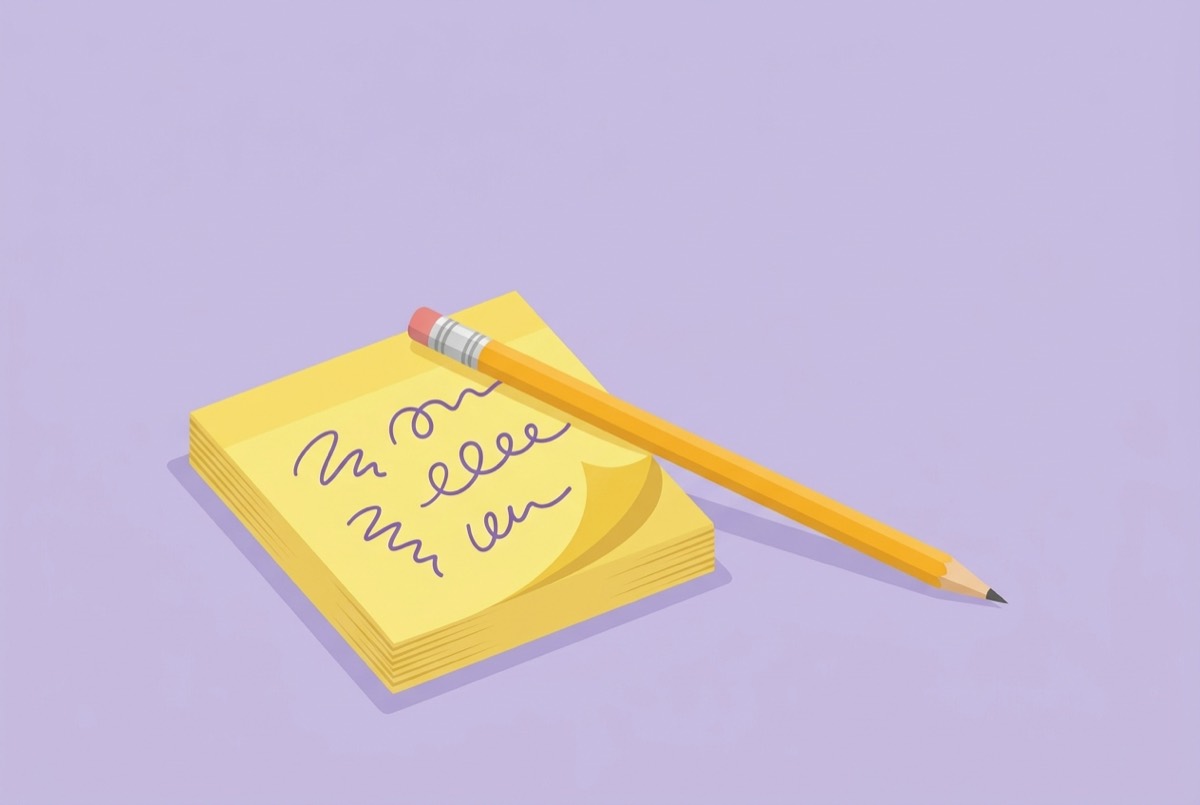
Quick Notes is a free scratchpad app: tap, type, save, sort later. How it handles brain dumps, notes to self and moving ideas into long notes.
 Bitezine Editorial TeamRankings, reviews & guides 6 min read
 App · Freemium
Quick Notes
A deliberately small digital scratchpad: one field, one save button and a short list you read at a glance, with an easy path into Note Base, the app's notebook for long notes, when an idea deserves more room. Anyone who wants formatting, folders or shared notes in the same place should look at a full notes app.
What we like
- +Tap, type, save: no folder, title or menu on the way in
- +The newest note lands on top, in a list short enough to read at a glance
- +Move a note into Note Base, the app's notebook for long notes, without retyping
- +Copy, edit or delete any note from its three-dot menu
- +Saves offline and syncs later; quick notes are private to you
- +Free to download with no ads, on iPhone, iPad, Android and Mac
What could be better
- −Plain text only, with no folders, tags or formatting
- −The board holds a limited number of notes; when it is full you move or delete one
- −A delete is final
- −Quick notes cannot be shared directly; you move them into a shared notebook in Note Base first
- −The field lives on the app's Home screen, so you open the app before you type
Best for: People who keep sending themselves messages and want one calm place for loose thoughts
Visit Quick Notes →Quick Notes is a scratchpad app with one idea behind it: catching a thought should take a couple of seconds, and sorting it can wait. Its field sits ready on the app's Home screen. You tap, type and save, and the note lands at the top of a short list. The app has its own website at quicknotespad.com, with pages on jotting thoughts down, the brain dump and the note to self.
This review looks at how the site suggests using it day to day: as an app to jot down thoughts in the middle of something, as an evening brain dump app, and as a replacement for the messages people send themselves. It is based on the site's and the app's descriptions, not on hands-on testing.
What is Quick Notes, and how is it meant to be used?
Quick Notes is a standalone scratchpad app, with its own name and website. Its field waits in the Quick Notes widget on the app's Home screen, the screen the app opens on. Below the field are your newest quick notes.
It is not trying to be a notebook. For long notes with headings, lists and tags the app has Note Base. Quick Notes is the quick capture app in front of it: a place for thoughts that have not earned a title yet.
How quick is it to jot down a thought?
The site compares two routes. The usual way in a notes app has six steps: open the app, choose a folder, create a note, invent a title, type the thought and check that it saved. Quick Notes has three: tap the field, type, save. That is what makes it a one tap note app in practice, and why the site calls it an app to write down ideas quickly rather than an app to organise them.
In daily use that covers the idea that arrives mid-meeting, the parcel to collect before six, the name of a book someone mentioned. You save it in a couple of seconds and get back to what you were doing.
How does a brain dump with Quick Notes work?
The site builds a whole page around an evening routine, and it is a sensible use of a digital scratchpad. Late in the day you type every loose thought into the field, one note at a time, without deciding anything. Then you go to sleep with an emptier head. Over breakfast you sort the board: keep two, move one into Note Base, delete the rest, and copy any to-do into your task list.
Because nothing needs sorting on the way in, a brain dump app like this lowers the bar to writing things down at all. The best idea of the batch can grow into a full note later, with headings, lists and tags, and nothing is typed twice.
- Evening: write each loose thought as its own quick note
- Morning: keep, move into Note Base or delete
- To-dos: copy them into your task list
- Later: the good ideas grow into full notes
Is it a better note to self app than messaging yourself?
Many people already keep notes to themselves in odd places: a message in their own chat, a photo of a whiteboard, a line at the bottom of the shopping list. The problem is that chat messages scroll away between everything else. As a note to self app, Galveo's Quick Notes keeps those lines together in one private list on the Home screen, where you see them every time you open the app.
Your quick notes are yours alone. If you want to share one, you move it into a Note Base notebook and share that notebook; the people you invite join free.
What happens to a quick note afterwards?
Each note has a three-dot menu with four actions: copy it, edit it, delete it or move it into Note Base. Moving takes the text along into a Note Base notebook, so nothing is retyped, and the quick note leaves the board once it has moved. Deleting is final, which suits scrap paper but means there is no bin to rescue a note from.
The board is kept short on purpose. When it is full, the app asks you to move or delete a note to make room, which nudges you into the sorting habit the site recommends.
Is Quick Notes free, and what are its limits?
Quick Notes is free to download and free of ads; saving, copying, editing and moving notes cost nothing. As a scratchpad app free of charge on iPhone, iPad, Android and Mac, it saves offline on the spot and syncs once you are online. For anyone hunting for a scratchpad app for Android that also runs on an iPhone or a Mac, it covers all of them with one account.
The limits are the flip side of its simplicity: plain text only, no folders or tags, a capped board, final deletes and no direct sharing. It is also a field on the app's own Home screen rather than a widget on your phone's home screen, so opening the app is the first tap. If you want a single tool for capture and long-form notes, Note Base or a full notes app is the place for that.
Key specs
- Developer
- Cologne, Germany
- Website
- quicknotespad.com
- Capture
- A field in the Quick Notes widget on the app's Home screen
- Notes
- Plain text, newest on top
- Actions
- Copy, edit, delete, move into Note Base
- Privacy
- Private to your account
- Platforms
- iPhone, iPad, Android and Mac; saves offline
- Pricing
- Free, no ads
Frequently asked questions
Is the Quick Notes scratchpad app free?
+
Yes. Quick Notes is free to download and has no ads. Saving, copying, editing and moving notes cost nothing.
Does Quick Notes have its own website?
+
Yes. Its own website is quicknotespad.com, with pages on jotting thoughts down, the brain dump and the note to self.
Scratchpad app Android or iPhone: which devices does it run on?
+
Yes. Quick Notes runs on Android phones and tablets as well as iPhone, iPad and Mac.
Can I use it as a brain dump app before bed?
+
Yes. Type each loose thought into the field and save it, then sort them in the morning: keep some, move some into Note Base and delete the rest.
Can a quick note become a long note?
+
Yes. Move it into a Note Base notebook and the text goes along, so nothing is retyped. The quick note then leaves the board.
Can I share a quick note?
+
Quick notes stay private to you. To share one, move it into a Note Base notebook and share that notebook; invited people join free.
Does Quick Notes work offline?
+
Yes. A note saves on the spot without a connection and syncs once you are online.
Does Quick Notes have folders, tags or formatting?
+
No. It is plain text on purpose. Folders, headings, lists and tags belong to Note Base, the app's notebook for long notes.
Quick Notes does very little, and that is the point. A field on the app's Home screen, a save button and a short list turn it into a dependable place for the thoughts you would otherwise text to yourself or forget. The brain dump routine the site describes fits it well, and Note Base is one tap away when an idea grows. It is free, with no ads, on iPhone, iPad, Android and Mac. If you want formatting or shared notes, look to Note Base; if you want a calm digital scratchpad, this is it.
How we research: Reviews are based on the maker’s specifications, published independent tests and owner reports. Scores compare the product with others in its class.
Written by
Bitezine Editorial Team
Rankings, reviews & guides
Our editors research every piece from makers’ documentation, independent tests and owner reports, and update it when products change.